
How to Search for a Jefferson County Warrant
There is no public countywide name form. For a county-held arrest warrant, use the Sheriff Warrant Division phone route. For a case in a District Court, County Court at Law, JP, or Municipal Court, ask that office because its case system may not feed a Sheriff page. The Most Wanted page links a curated roster, not an all-warrant database.
Have your name, date of birth, and case or citation number ready. If a result could affect a pending case, ask a Texas attorney before choosing a payment, appearance, or surrender path.
- Call the Sheriff Warrant Division at 409-835-8408 for Beaumont routing or 409-983-8350 for Port Arthur. Ask which clerk holds the originating case.
- Use the official Most Wanted page only as a curated-list check. It has cards, not a full name or date-of-birth search.
- For a ticket or missed lower-court setting, contact the exact JP precinct or municipal court. The old “Outstanding JP Warrants” link returned 404.
- If a record is not online, send a specific request to the sheriff or the clerk that maintains the case. Ask for a cost estimate when appropriate.
- For a license-renewal notice, contact the reporting court. Texas DPS does not confirm warrant status.
Groves Search Fields Are City-Specific
Groves Municipal Online Services is the most fully documented public search interface in the research. It belongs to Groves Municipal Court, not the county Sheriff. Its fields can help a person find their own city citation; required-field markings and exact validation rules were not published. Read the court’s payment warning before submitting information.
Use only the search mode that matches the reader’s own Groves case, then confirm the result with the clerk. Do not treat a Groves case result as a countywide warrant check.
Jefferson County Warrant Search Fields
No Sheriff search fields are available because no public full-warrant form was found. The Groves interface documents these city-court inputs. A field list is not a promise that every input is required or that every court uses it.
| Field Label | Type | Required | Notes |
|---|---|---|---|
| Citation number + DOB | Text and date | Unspecified | Groves case search; exact format not stated |
| Driver license + state + DOB | Text and dropdown | Unspecified | State list includes all states and DC |
| SSN + DOB | Text and date | Unspecified | Format shown as 111-22-3333 |
| Plate + state | Text and dropdown | Unspecified | Vehicle search mode |
| First name + last name + DOB | Text and date | Unspecified | Name search mode; partial matching not documented |
| Business name | Text | Unspecified | Separate search tab |
Request Jefferson County Sheriff Records
The Sheriff’s Records Request page and county public-information page are separate from the Most Wanted roster. A request should seek existing records and identify the office, record type, date range, and cause or warrant number when known. The county says to request an itemized estimate if charges may exceed $40. It does not promise same-day production.
The county’s blank Sheriff form asks for requester contact details, a specific record description, agreement to lawful costs, and signature. It does not list warrant checkboxes or a processing-time promise. The old form’s email is a legacy route, so use the county’s current records page to confirm where to send it.
The official Sheriff records-request page shows its blank request fields.

Ask for the current submission route before sending sensitive details.
What a Warrant Search Returns
Public result formats vary. Port Arthur’s Municipal Court report schema includes a warrant number, type, status, dates, docket and citation numbers, violation, and original and current amounts. The Sheriff’s public pages do not expose a comparable full result form. A city report remains a snapshot, so call the issuing court before relying on the row.
| Warrant number | Format not published countywide |
|---|---|
| Case link | Docket, cause, or citation number points to the underlying court matter. |
| Type and offense | May identify an arrest warrant, capias pro fine, traffic, or ordinance matter. |
| Issuing court | Use the court name to find the clerk that controls the case. |
| Amount | Ask whether it is a fine, warrant fee, current balance, or bond. |
| Status | “Active” in a report is a dated snapshot, not a live confirmation. |
JP Case Search Starts With the Precinct
Jefferson County JP pages list separate contacts and payment links. Precinct 1 Place 2’s vendor page exposes “Search for your case,” but the rendered fields were not captured. The county’s aggregate warrant link was unavailable in the inspected version. Use the citation to identify the exact precinct, then ask its clerk what the result means.
The official JP Precinct 1 Place 2 page shows its case and payment routes.
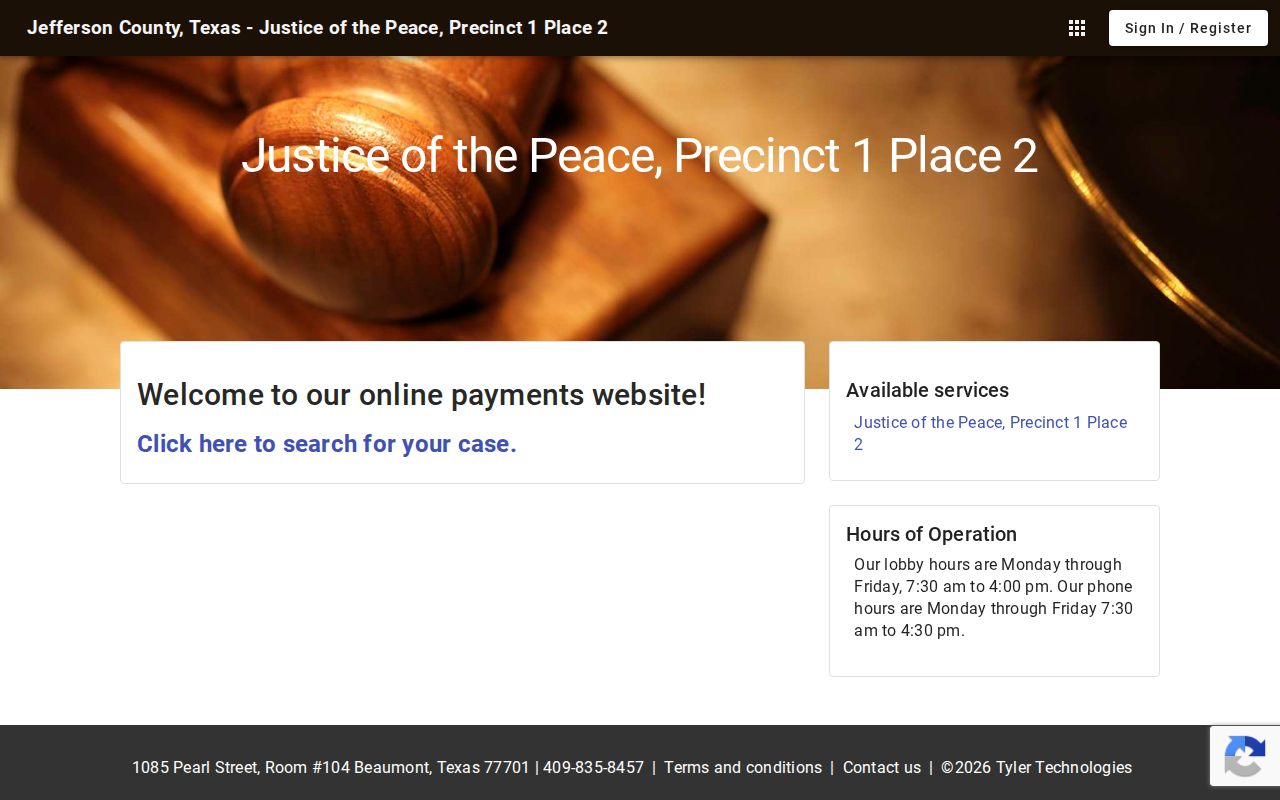
Do not substitute another JP court’s portal when the citation names a different precinct.
Where Jefferson County Warrants Are Checked
The Sheriff Warrant Division is a route for county-held process. District felony and family records belong with the District Clerk or assigned court. County Courts at Law and the County Clerk handle their own county-court records. JP and municipal clerks keep their own lower-court matters. A city police department may serve a warrant without owning the court file.
Texas has no statewide public name-search warrant database. DPS’s FTA/FTP program concerns court-reported citations and license renewal; it does not confirm a warrant. A federal case is separate from the county system.
Why a Jefferson County Search Can Miss a Record
A result may be absent because the record sits with a JP or city court, has not synchronized, is recent, sealed, juvenile, or belongs to another jurisdiction. The Sheriff’s Most Wanted page has no search box and covers a selected roster. Beaumont’s separate active list has conflicting weekly and bi-monthly cadence text, so call 409-980-7200 for its current status.
The sheriff records form is another route for existing non-exempt records, but it is not a new database search and does not make the agency answer a legal question. Use the right custodian and ask for a current confirmation.
JP Precinct 1 Place 1 publishes its fee and warrant links.
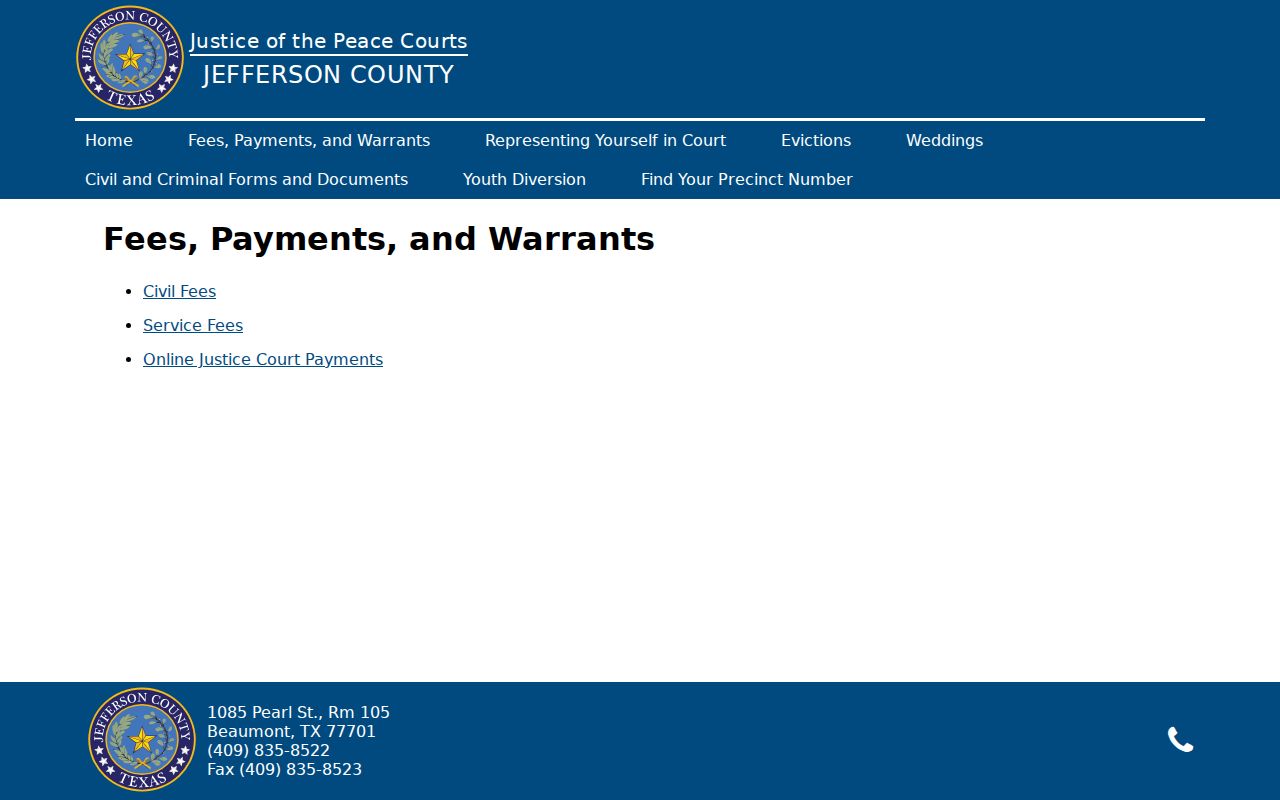
A missing page is a reason to call the clerk, not a clearance result.
Access and Restricted Warrants
Texas access depends on record type and custodian. Arrest-warrant information and court case records do not follow the same route as an investigative search-warrant affidavit. Juvenile information, sealed material, active-investigation details, and protected identifiers may be limited. Ask the clerk or agency for the rule that applies to the particular record.
Key Rules:
Code of Criminal Procedure Chapter 18 governs search warrants; Article 18.011 allows some affidavits to be sealed.
Texas Family Code Section 58.106 makes specified juvenile justice information confidential.
A list can omit records held elsewhere or subject to a legal restriction. Ask the issuing clerk or Sheriff Warrant Division for the proper route.
Jefferson County Federal Docket Search
Federal case research follows a separate court system. PACER provides access to federal dockets, but a docket search does not function as a complete warrant lookup and may not show sealed or nonpublic material. Jefferson County’s county and city clerks cannot verify federal warrant status from their local case screens.
For a federal concern, identify the court and case first, then ask counsel or the appropriate federal office what confirms the current order. A local no-result screen cannot establish that no federal process exists.