
Groves Warrant Search Offers Several Modes
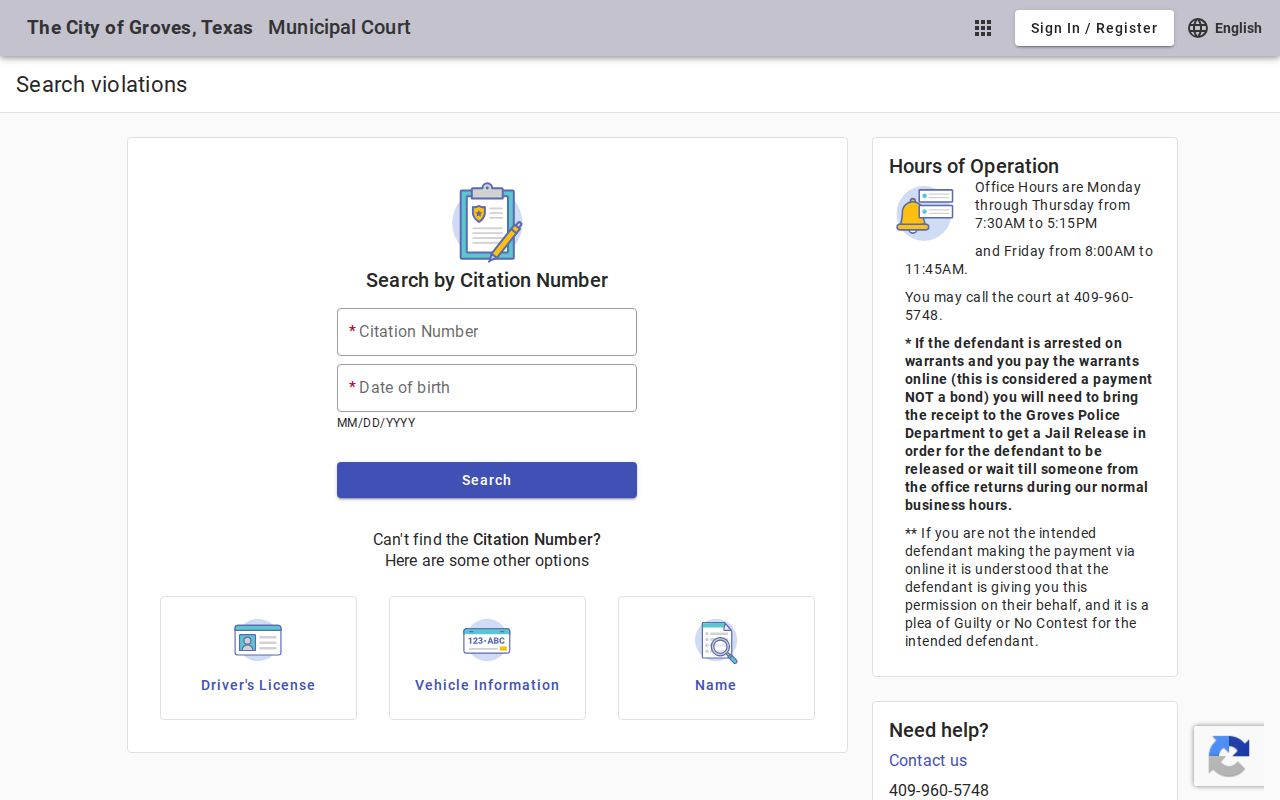
The portal accepts citation number with date of birth; driver-license number, state, and date of birth; Social Security number and date of birth; vehicle plate and state; first and last name with date of birth; or a business name. Use the official city portal for the person’s own case and avoid entering sensitive identifiers into an unrelated site.
The Groves search page is a city court interface, not a sheriff warrant database.
The city’s interface shows its available search modes.
Confirm a status result with the court clerk if it does not state the required next step.
How to Check for a Warrant in Groves
Groves Municipal Court provides an online case and payment search. Start with the identifier you have, then call the clerk if the portal does not show the warrant type or current status. Do not use the portal as a countywide search.
- Open the official Groves Municipal Court search portal.
- Select an identifier the portal accepts, such as citation and date of birth.
- Call the court at 409-960-5748 if a result is unclear or missing.
- Ask whether payment is a fine, plea, bond, or another court step.
- Contact Jefferson County offices only for a separate county or JP matter.
Groves Warrant Records Belong to the City Court
Groves Municipal Court maintains the city citation and payment case. Groves Police and the city marshal handle local enforcement contacts; the police business line is 409-962-0244 and dispatch is 409-727-1614. Call the court, not dispatch, to ask what a docket entry or amount means.
The portal’s search is for Groves court matters. A separate JP precinct or Jefferson County court requires that court’s own case number and clerk.
Groves Police and Municipal Court
The Municipal Court is at 4201 Main Avenue and lists 409-960-5748. It publishes dockets and court hours, while the Police Department page supplies the city law-enforcement route. A citation search may return a case balance, but the court clerk controls whether a warrant remains active.
Groves posts weekday hours, including a shorter Friday schedule. Confirm that the office is open for the specific matter before arriving.
Groves Warrant Payment Is Not Bond
Groves warns that paying online while arrested on a warrant is not bond. The defendant must bring the payment receipt to Groves Police Department for release or wait until court staff returns. The payment page also says a third-party payment is treated as permission and a guilty or no-contest plea for the intended defendant.
If the person is in custody, call the court before anyone pays. Ask what the transaction does and where the receipt must go.
Types of Groves Warrants
Groves cases can involve traffic, ordinance, or other Class C allegations. Failure to answer or satisfy a court order can lead to arrest or capias process. A portal balance alone does not reveal whether the court has issued a warrant.
| Warrant Type | How It Arises | Who Issues It |
|---|---|---|
| Traffic citation | Unanswered ticket or missed court date | Groves Municipal Court |
| Ordinance case | Unresolved city-code citation | Groves Municipal Court |
| Arrest warrant | Court order after a required response is missed | Issuing municipal judge |
| Capias pro fine | Post-judgment failure to satisfy an order | Groves Municipal Court |
Groves Warrant Status Needs Clerk Confirmation
The online interface provides search and payment functions, but the reviewed material did not establish a dedicated warrant-status label or an update guarantee. A matching citation or balance is not enough to tell whether the court has recalled process or requires an appearance.
Call 409-960-5748 with the result and ask for the current warrant state, deadline, and accepted next step.
What a Groves Warrant Record Shows
Groves publishes several search keys, but a public result can require the clerk to explain its meaning. Compare the name or citation, case type, balance, date, and court instructions. The portal’s search fields are not evidence that every status detail appears in the returned record.
| Warrant / Cause Number | Use the citation or case number returned by the portal. |
|---|---|
| Subject Name | Confirm the match belongs to the person’s own case. |
| Charge / Offense | Check the cited traffic or Class C matter. |
| Issuing Court | Groves Municipal Court for a city case. |
| Bond / Fine Amount | Ask whether the figure is a balance or another payment. |
| Status | Ask the clerk whether a warrant is active or recalled. |
Groves Warrant Receipt Goes to Police
When the defendant is arrested on a Groves warrant and payment is made online, the city instructs the person to bring the receipt to Groves Police Department for a jail release, or wait until court staff returns. That receipt step is specific to the city’s warning and does not make the payment a bond.
Confirm current release instructions with the court or police before relying on an after-hours transaction.
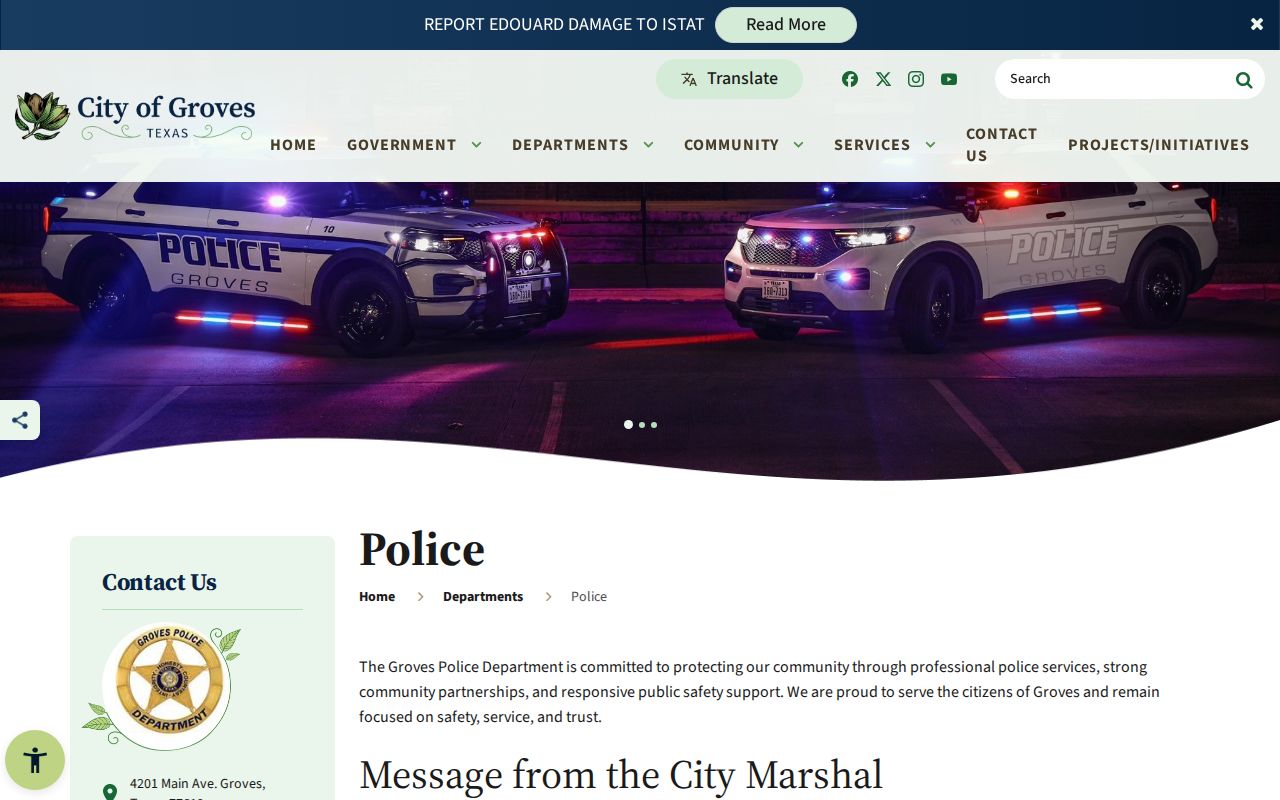
The Groves Police page gives the agency contact.
Use the posted phone route if staff must verify receipt or release status.
Where Groves Warrants Fit With Jefferson County
Groves Municipal Court controls its city citations, while Jefferson County Sheriff, JP, county, and district offices hold separate matters; Texas has no statewide public name-search warrant database.
Warrant flow: Groves Municipal Court / Police › Jefferson County court or Sheriff for a separate case › DPS FTA/FTP for court-reported citation status
See Jefferson County warrant records or the county warrant search guide for those distinct routes. A Groves portal result is not a county search.
Groves Warrant Questions Follow Court Hours
Groves posts court hours Monday through Thursday from 7:30 a.m. to 5:15 p.m. and Friday from 8 a.m. to 11:45 a.m. Its docket and public notices help identify the court’s schedule, but they do not guarantee that a walk-in can resolve every warrant on the same day.
Check the city’s Municipal Court page and call 409-960-5748 with the case number before traveling.
Use docket information as scheduling context, then confirm the case with the clerk.
Public Access to Groves Warrant Records
City court case access depends on the record and applicable limits. The online portal exposes search fields and payment functions, while a public-records request may be needed for other existing records. Juvenile or sealed material and protected identifiers can be withheld.
Key Rules:
Texas Public Information Act, Government Code Chapter 552 - grants access to many government records, subject to exceptions.
Texas Code of Criminal Procedure Article 15.26 - addresses execution and return of an arrest warrant.
Texas Family Code Section 58.106 - restricts public release of specified youth-case information.