
Traffic Warrants in Jefferson County
A citation starts with a response or appearance date. Missing that date, failing to pay a judgment, or defaulting on a court arrangement can produce an FTA entry, an arrest warrant, or a capias pro fine after judgment. The exact step depends on the court and case stage.
City tickets belong with the city Municipal Court. Other Class C matters may sit with a JP. Jefferson County’s old “Outstanding JP Warrants” link returned 404, so use the precinct on the ticket and call the clerk.
Jefferson County Traffic Warrant Timeline
The local chain can run from citation to missed response, court-reported FTA/FTP, arrest process, and then a capias pro fine if a judgment remains unpaid. These are related events, not one status. The issuing court can explain whether a warrant, balance, or license-report item exists and what remedy applies.
Chapter 45A covers justice and municipal court procedures, including arrest warrants and capias pro fine. A city page may use its own terms, so ask the clerk to identify the record type.
The official chapter is the state-law source for lower-court process.
Texas Code of Criminal Procedure Chapter 45AHow to Check for a Jefferson County Traffic Warrant
Use the ticket to identify the city or precinct. Groves has a municipal case/payment search with several identifier modes. Beaumont offers an active-list download and clerk call. Nederland and Port Arthur publish warrant instructions, while Port Neches directs readers to the clerk because a current full public search was not verified.
- Open only the portal for the city or JP precinct named on your own ticket. Groves supports citation and other documented search modes.
- Use the citation number and date of birth where the court requests them. Required fields are not fully documented for every site.
- Call the issuing clerk if no result appears, if the date is old, or if the portal shows a balance without a warrant label.
- Ask whether an in-person appearance, payment, plan, bond, or show-cause hearing is required. Confirm where to go before traveling.
Jefferson County Groves Warrant Search Modes
Groves Municipal Online Services lists searches by citation and date of birth, driver license and state, SSN and date of birth, vehicle plate and state, first and last name with date of birth, or business name. The interface does not mark required or optional fields in the inspected text. It is a Groves court search, not the Sheriff’s countywide portal.
Beaumont’s list is a download rather than a documented name-and-DOB form. Its official page gives conflicting weekly and bi-monthly update statements, so call 409-980-7200 for a current answer.
Groves is one city route within the larger county map. Do not assume an empty search field or result proves the ticket is resolved.
What a Traffic Warrant Shows
A city report can connect a warrant to a citation, docket, type, status, date, violation, and amount. It may not show a bond field or the court action needed to clear the case. The issuing clerk can explain what each field means.
| Warrant / citation | Format varies by court |
|---|---|
| Violation | Traffic or other Class C basis recorded by the court. |
| Issuing court | City Municipal Court or the JP precinct named on the notice. |
| Amount | Fine, fee, balance, and bond can be different figures. |
| Status | Confirm whether active, served, recalled, or paid with the clerk. |
Jefferson County Warrant Payment Warning
Port Arthur’s Municipal Court describes a local safe harbor for people appearing on its own warrants. Its payment page warns that an ordinary online citation payment can carry no-contest and waiver consequences. Retain confirmation and call the court if an active warrant is involved. A payment transaction does not prove every agency record or DPS report has changed.
Beaumont accepts several city payment routes and publishes an after-hours GovPayNet option for its municipal matters. The court’s instructions should say whether the transaction is a fine payment, bond, or other action.
Call the issuing court before using a payment page for an active warrant. Beaumont’s methods do not apply to every city or JP case.
Paying or Lifting a Traffic Warrant
Ask the city or JP clerk which route fits the record. Beaumont offers counter, mail, online, phone, and night-deposit options for eligible payments. Port Arthur uses an online and phone payment vendor, but an active-warrant receipt should be kept and confirmed with court staff. Nederland says it does not take phone payments and distinguishes its bondable arrest warrants from non-bondable capias pro fine.
- Confirm the issuing court, warrant type, current balance, and whether an appearance is required.
- Ask if payment is a plea, fine payment, bond, or plan. Port Arthur ordinary online citation payments may waive trial rights.
- Use only the court-approved payment, appearance, or bond route. Groves warns that online payment on a warrant is not bond.
- Keep the receipt or order and ask when the court, Sheriff, and DPS record will update.
Warning: Paying a balance may not post bond or close the case. Ask the court what the payment changes and keep proof.
Jefferson County Warrant Fee and Bond Terms
The Sheriff and Constable fee schedule effective January 1, 2026 lists $75 for arrest warrants, capias pro fine, and all-court warrants. These are service fees, not bond amounts or automatic city charges. Beaumont separately lists a city warrant-processing fee. A Port Arthur report may show current amount due, which also should not be treated as bond without the court’s explanation.
Ask the clerk to separate the fine, court cost, warrant fee, collection charge, vendor fee, and bond. Each belongs to a different step.
The county fee schedule labels its effective date and service categories.
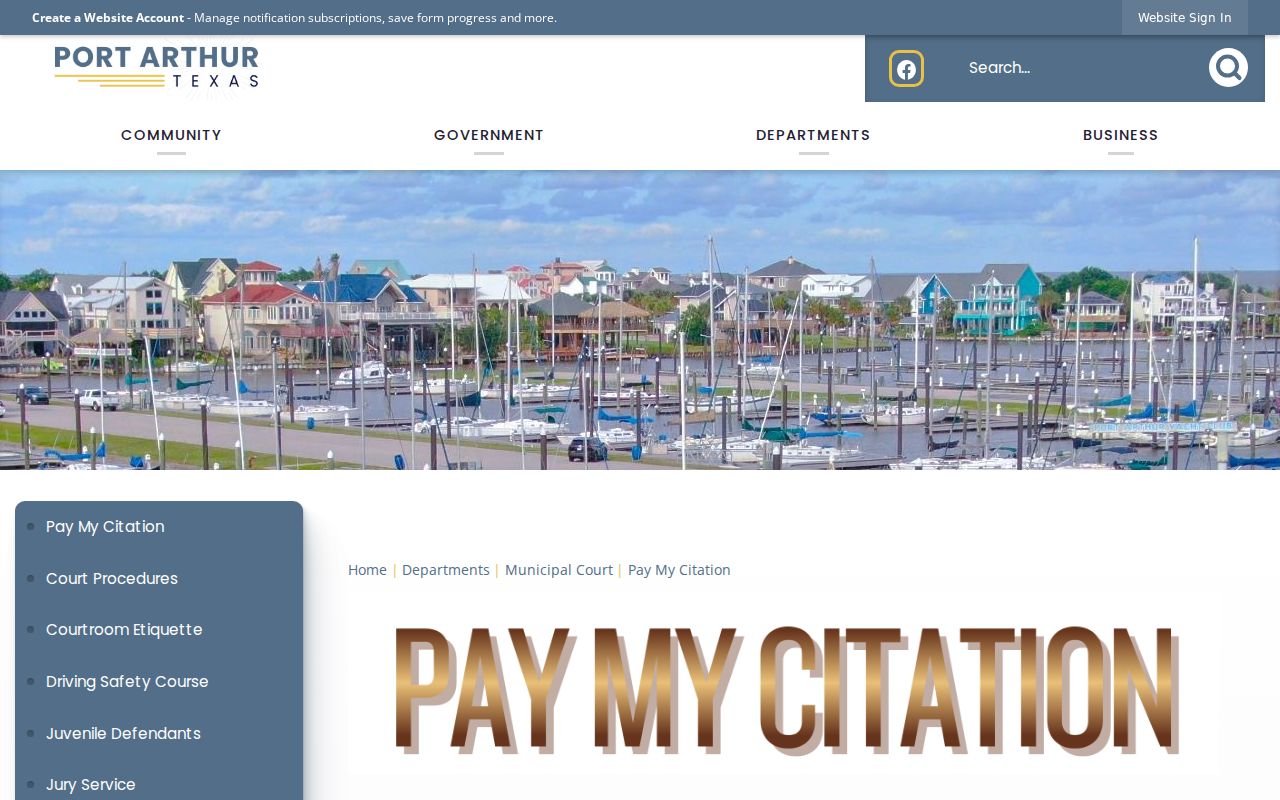
Port Arthur’s payment instructions belong to its city court, not every Jefferson County traffic case.
Traffic Warrant vs FTA and License Holds
A court warrant, an FTA/FTP report, and a license-renewal hold may stem from one citation, but they are separate records. Texas DPS directs a person with an FTA/FTP item to the reporting court. DPS does not confirm whether a warrant exists or decide the court remedy.
| Mechanism | What Triggers It | What It Does |
|---|---|---|
| Traffic warrant | Court issues arrest process or capias pro fine | Use the issuing court’s status and resolution instructions |
| FTA / FTP report | Court reports a missed response or unpaid obligation | Ask that court what compliance requires |
| DPS license hold | Reported citation appears in FTA/FTP program | Contact the court; DPS does not verify warrant status |
Jefferson County DPS Status Is Not a Warrant Search
Texas DPS’s Failure to Appear/Failure to Pay program concerns citations reported by a court and may affect driver-license renewal. DPS directs people to the reporting court for resolution. The program is not a public warrant-name database, and a DPS status cannot confirm whether a warrant was issued, recalled, or served.
After resolving a citation, ask the court whether it has reported compliance and how long the update may take. DPS advises that a clear status can take up to seven business days to appear. Keep the court receipt and check with the reporting court if a renewal notice remains.
The Texas DPS program page explains its role and limits.
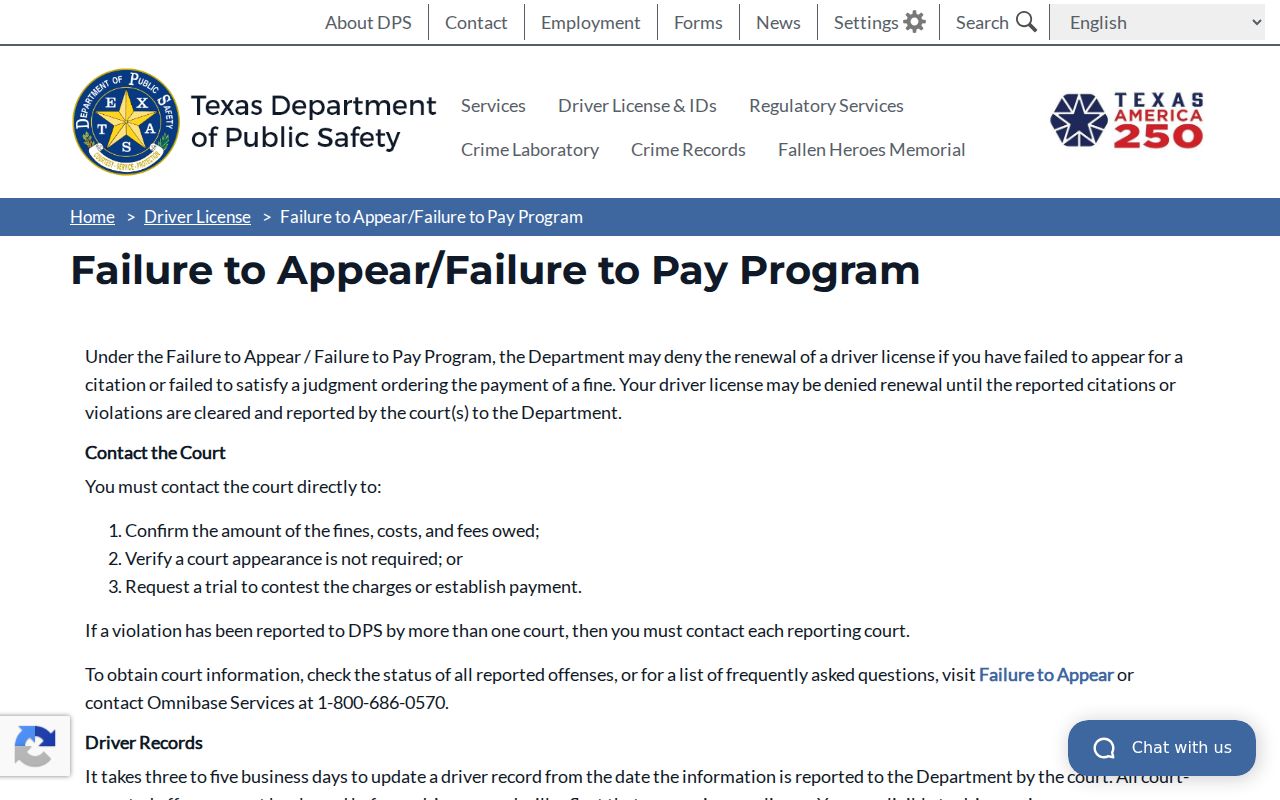
For the underlying court order, contact the court named on the citation.